DreamForge
DreamForge is a Blender add-on using the power of image diffusion models for prompt-based displacement generation on 3d models.
Use UV unwrappings and and texture painting to leverage Control nets for customizable and geometry-aware stylization of meshes.
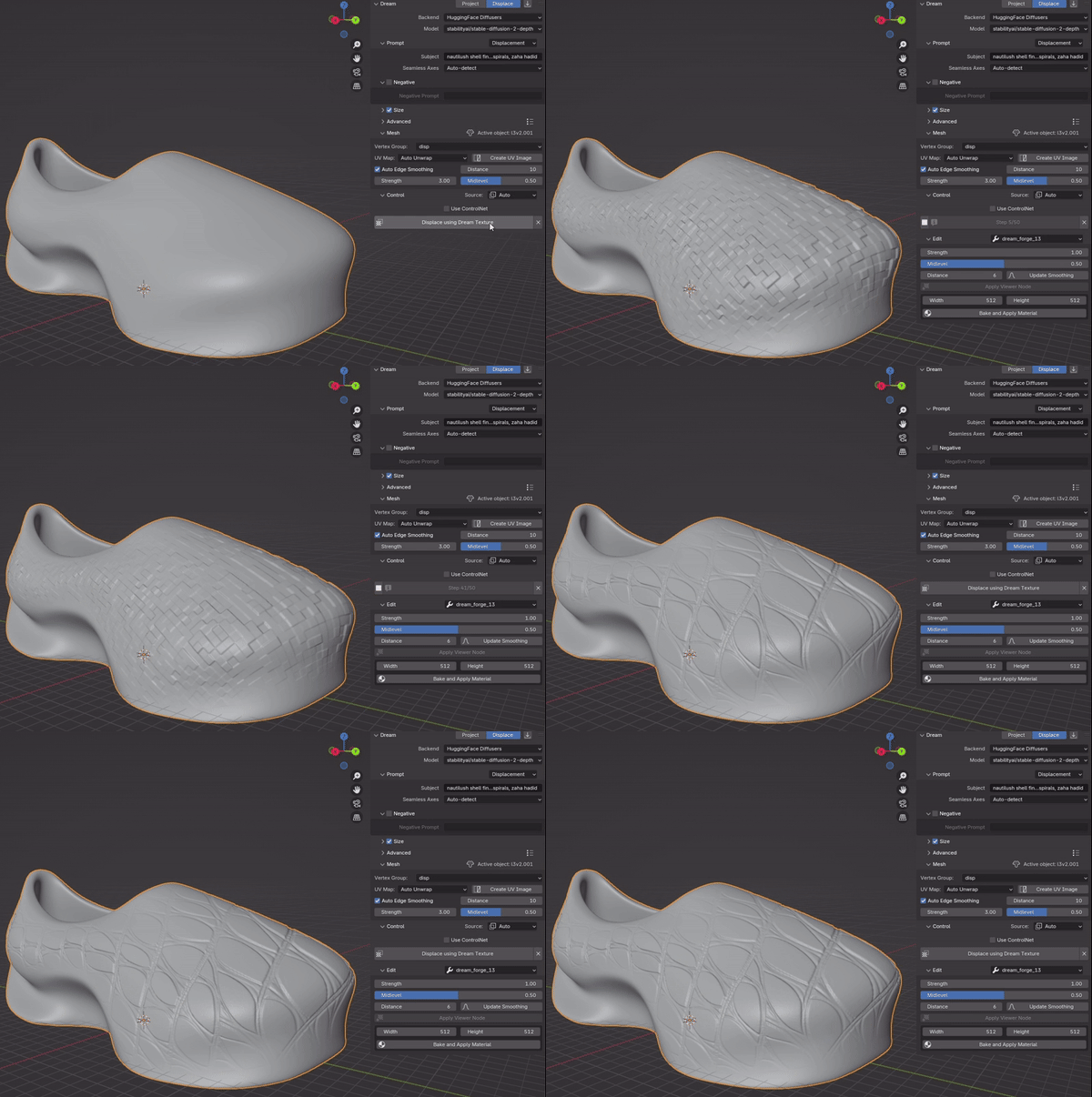
Above, a typical detail generation sequence using the Blender plug-in.
To get started, you can refer to the project’s README page, and can download the built add-on form the releases page. For any questions regarding the use of the add-on, you can refer the project’s dedicated Wiki.
Skins
The still dominant minimalist school of thought in industrial design is a direct product of the social, economic, and ideological conditions that shaped the twentieth century in the Western world. On one hand, the rise of mass consumerism post-WWII created a demand for objects produced on an unprecedented scale, for which simplicity was key. On the other, Western design academia had begun to lay the conceptual foundations at the start of the century, with colonialist and unmistakably racist publications such as Adolf Loos’ Ornament and Crime (1908) providing the premises upon which the modernist movement would build.
Today, minimalism endures, not merely as a style, but as a taste cultivated by a century of design and still reinforced by the constraints of mass production. However, 3D printing has the potential to alter these constraints of simplicity, with startups such as Zellerfeld currently experimenting with industrial-scale, print-based production. Not only does this mode of production have no impetus for simple designs, but it also has no inherent advantage in ever repeating a single object beyond the labor involved with the creation of individual models.
The idea of a “skin” is already a prevalent one in video games, where many of them offer customizations of in-game objects for a fee, without changing their nature or function. The goal of this project is in a similar vein. I created DreamForge with a design methodology in mind, one that enables designers to create objects that are meant to be customizable within the bounds set by the latter, effectively positing objects as generators instead of static artifacts, enabled by a new paradigm of industrial production.
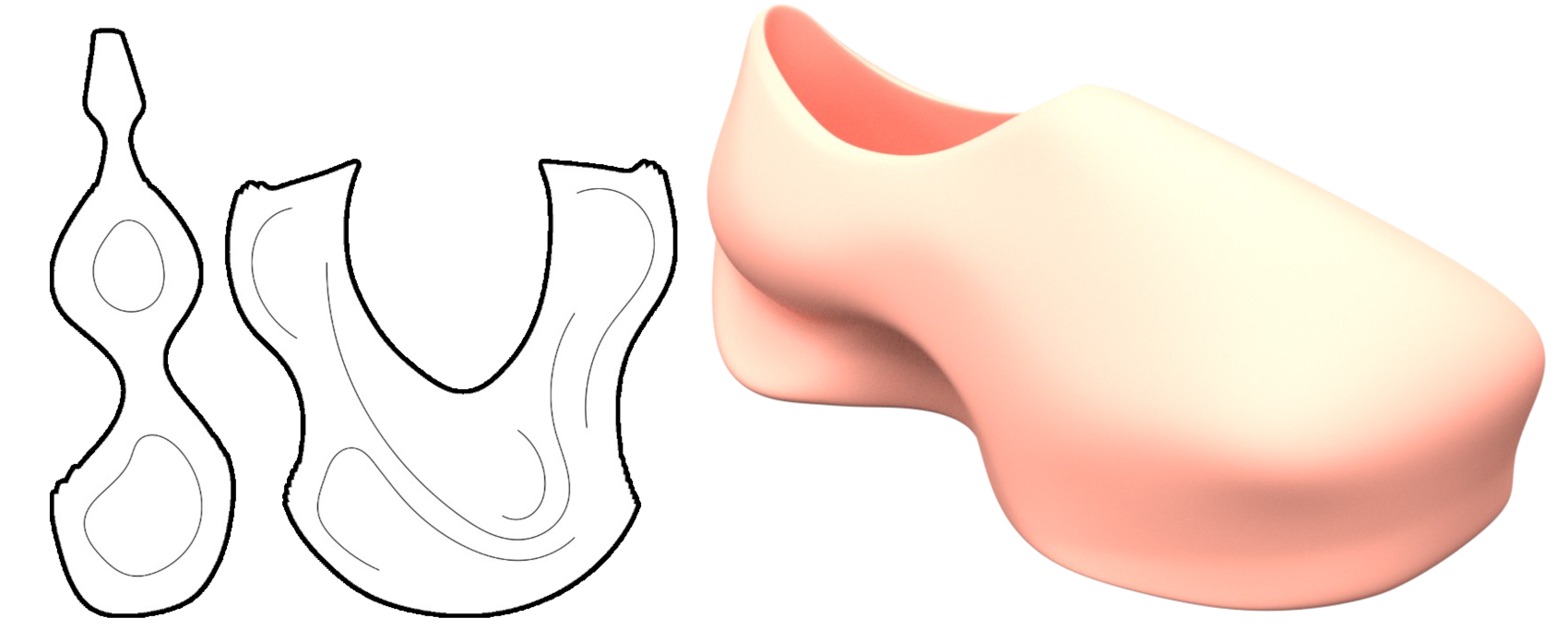
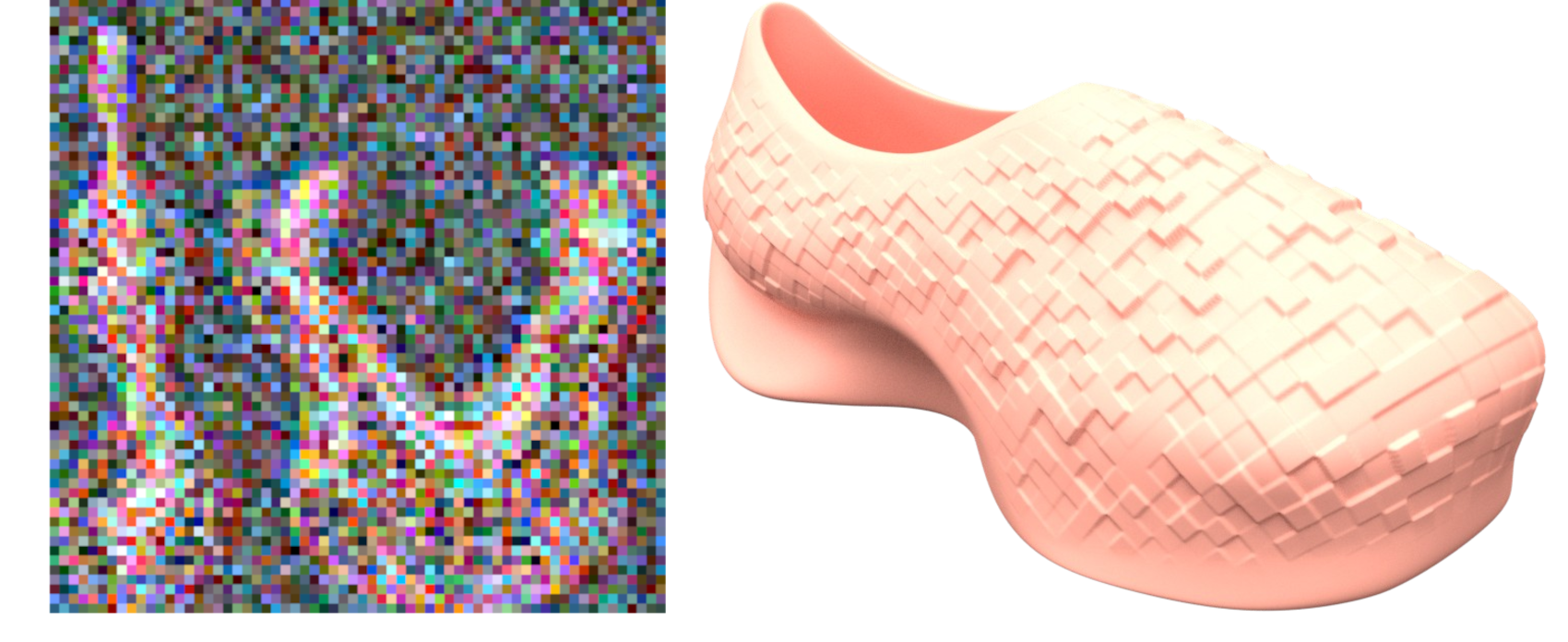
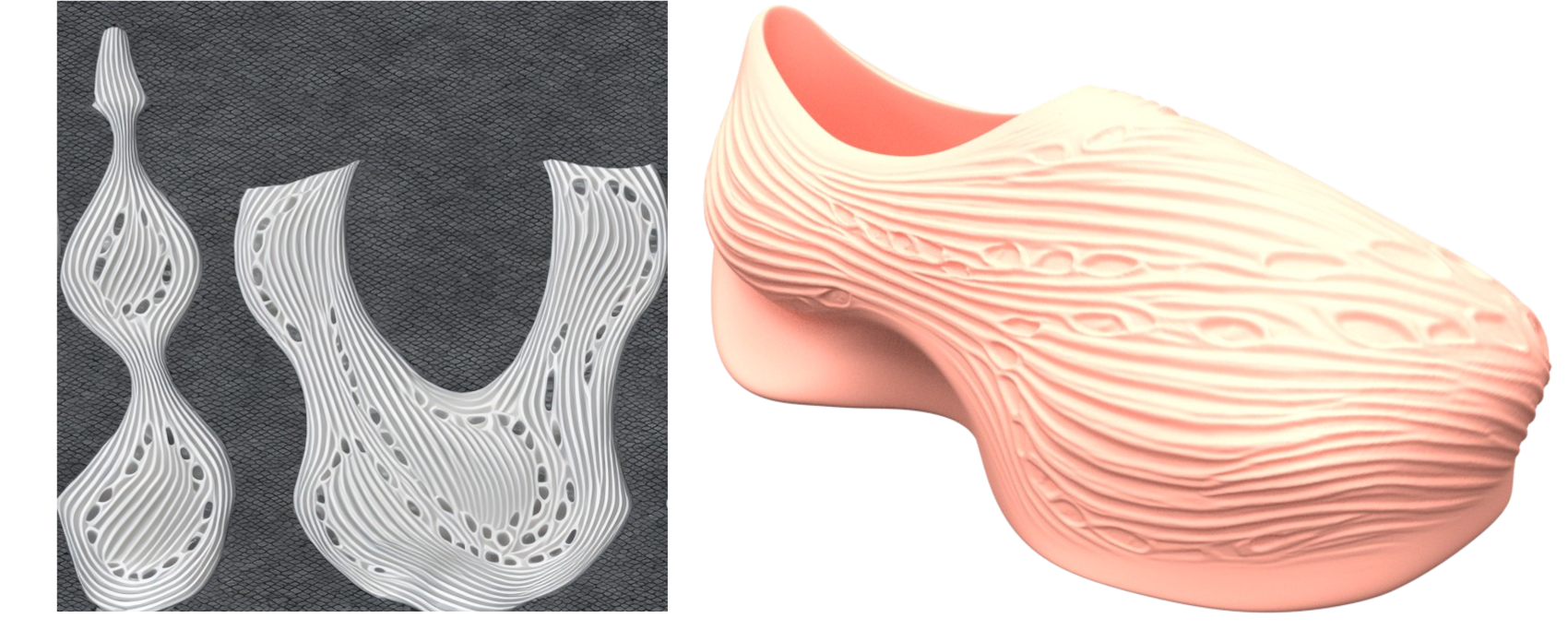
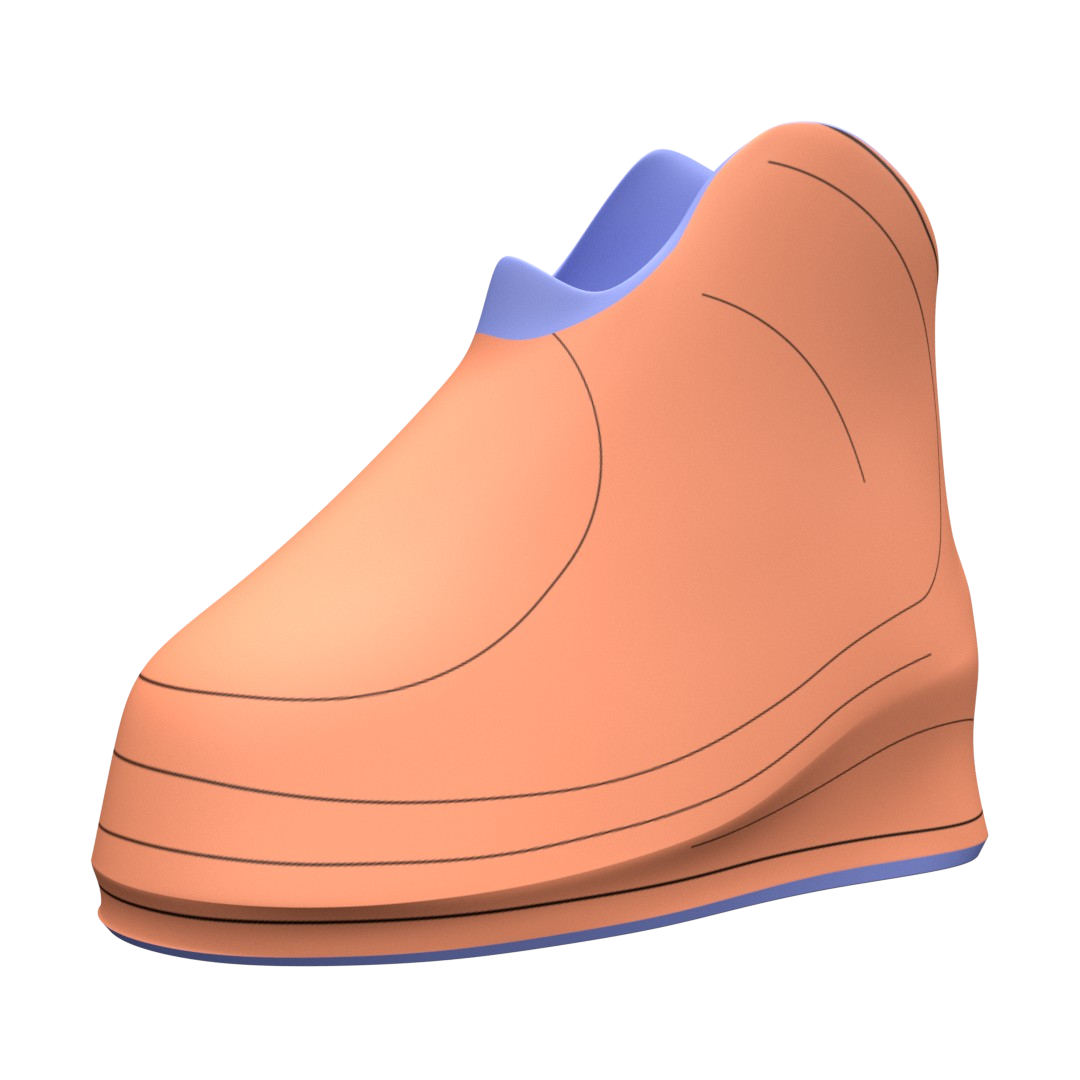
Guiding lines can be derived from outlines of flattened surfaces as well as drawn, enabling designers to dictate the output of a customization long after their direct involvement in its design.
Methodology
- Modeling the base object
At this stage, the goal is to create the object’s basic form, including any elements that are not subject to shape modification, aside from the generation of relief on certain surfaces.
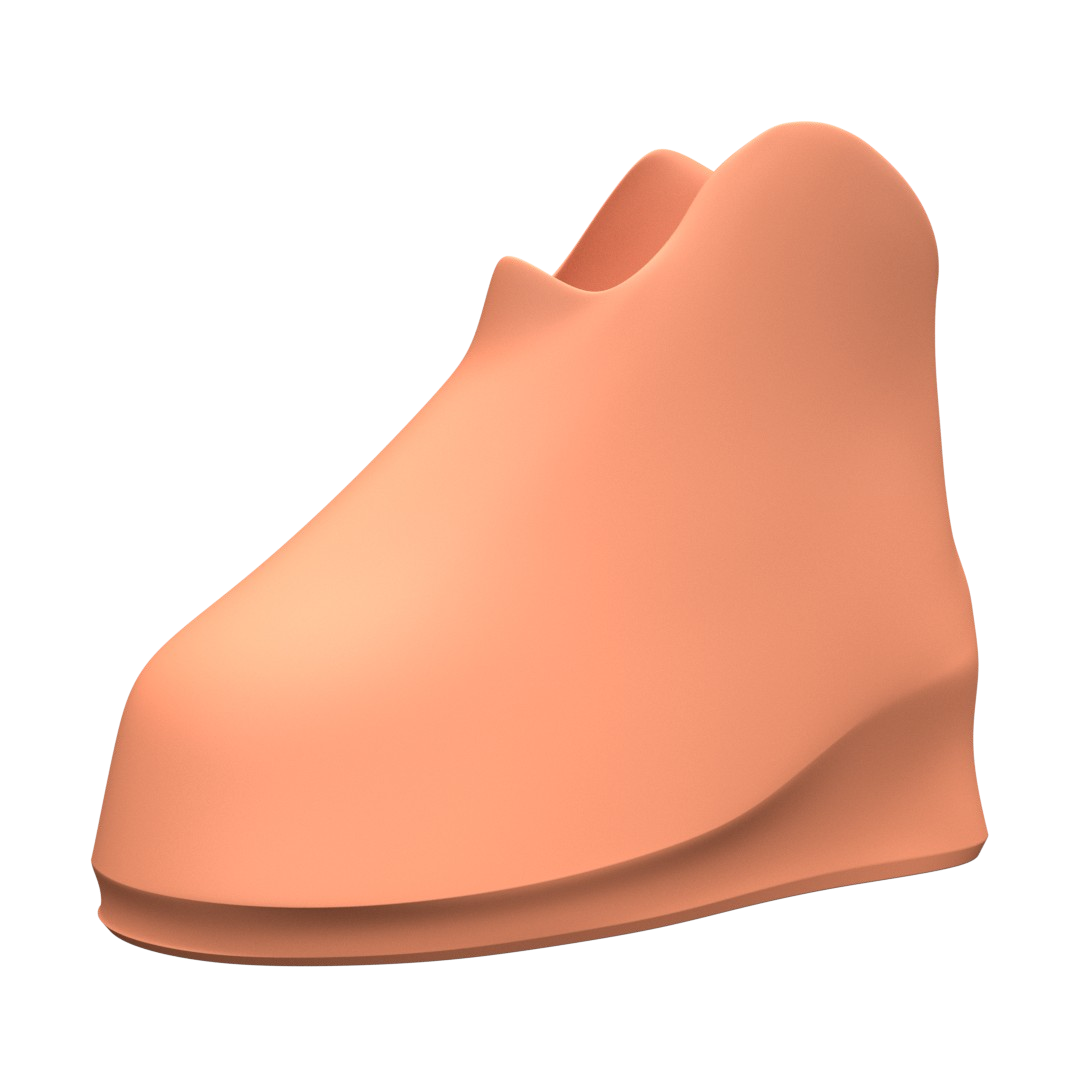
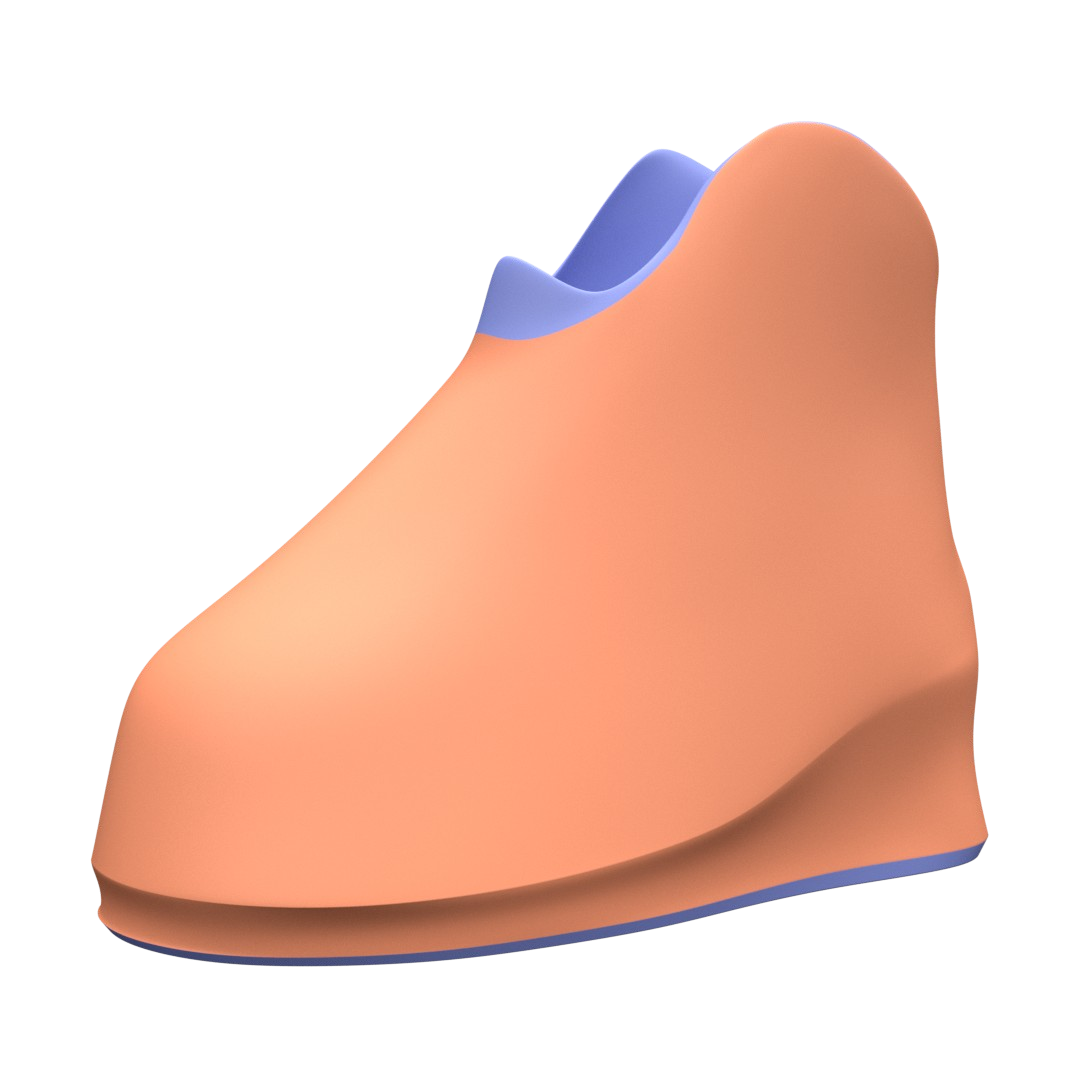
- Definition of essential and secondary surfaces
This step involves defining which parts of the object are subject to strict tolerances or specific requirements in terms of shape, surface, or finish. What remains can be defined as secondary surfaces, meaning that additional detail or relief may be added to them.
- Creation of directional elements
The creator can then draw on the flattened versions of these non-essential surfaces in order to guide the eventual image generation used to create the relief.
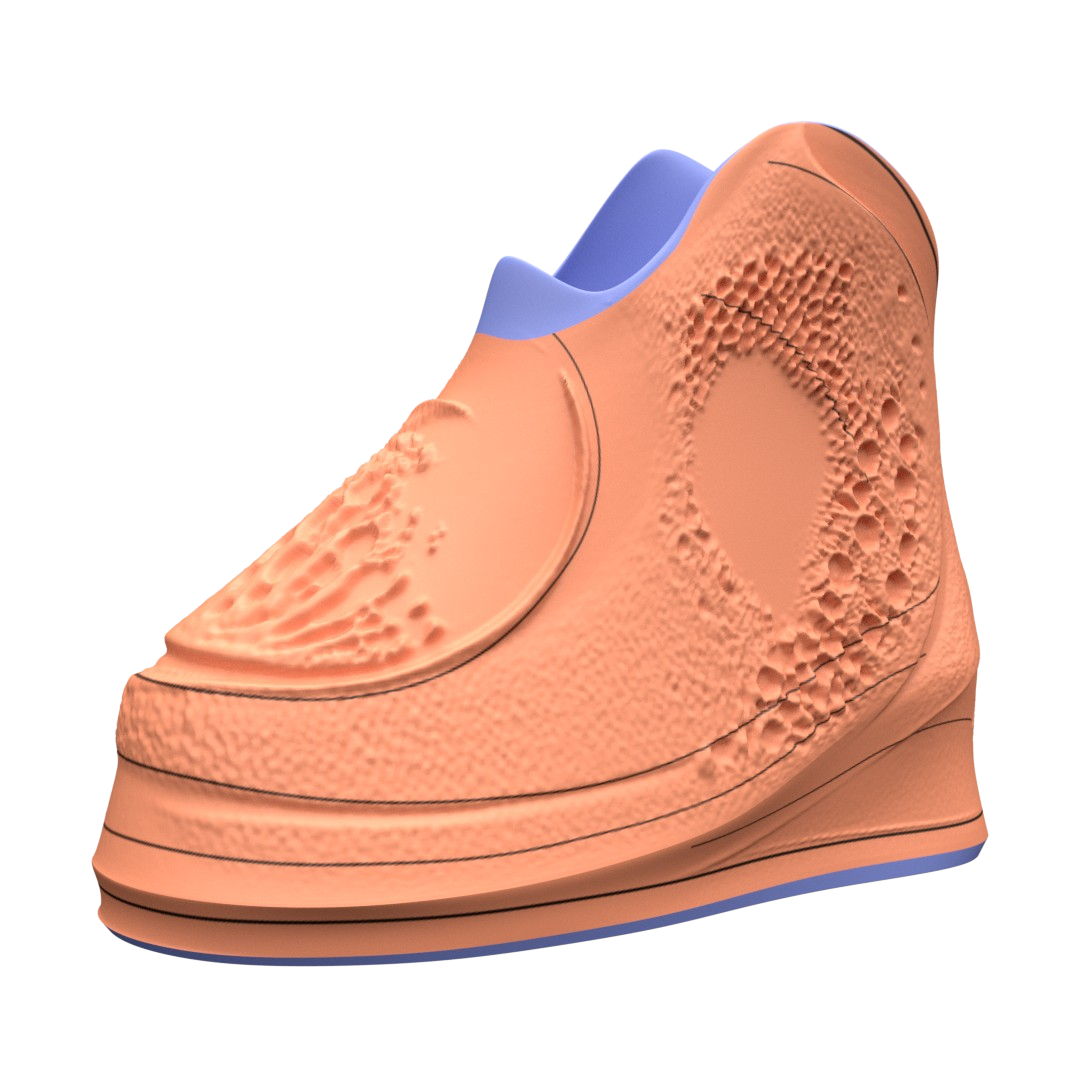
- Image projection for relief generation
The user can then enter a text prompt that will be used to generate an image, guided by the previous steps. This image is projected onto the 3D model and used to generate relief. This step emphasizes iteration, and the model can be printed once the desired result has been achieved.
Gallery
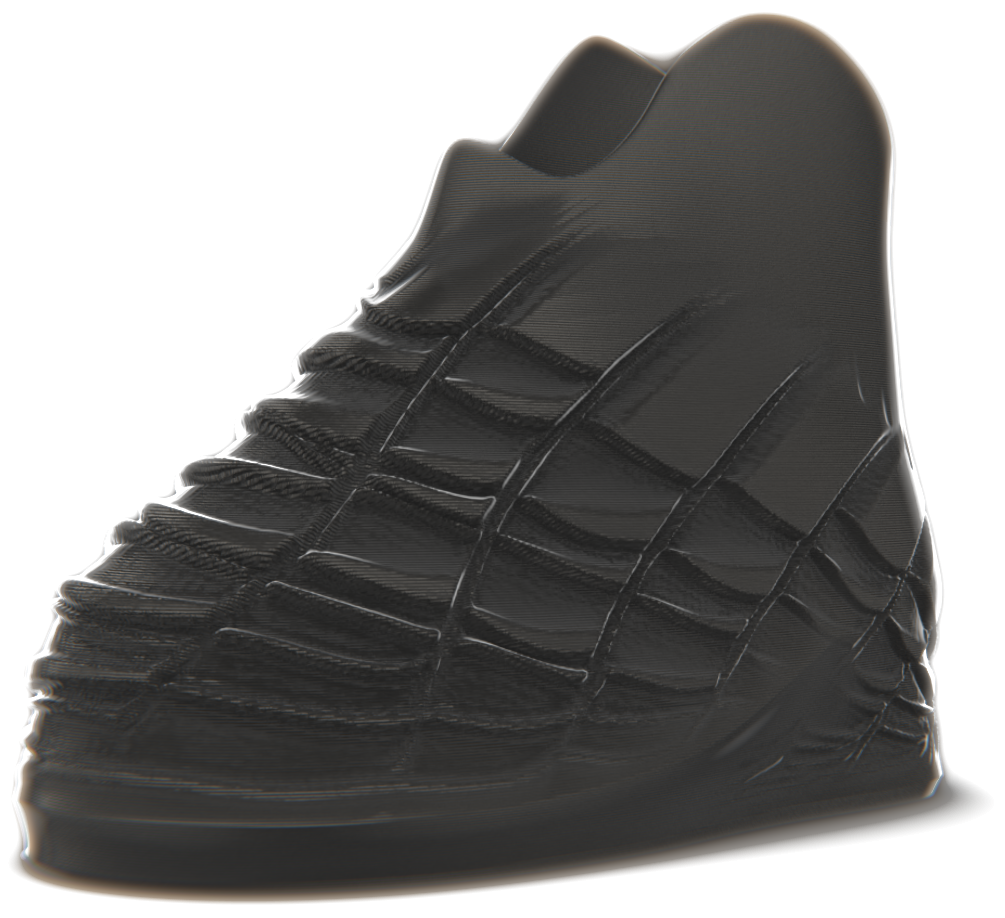
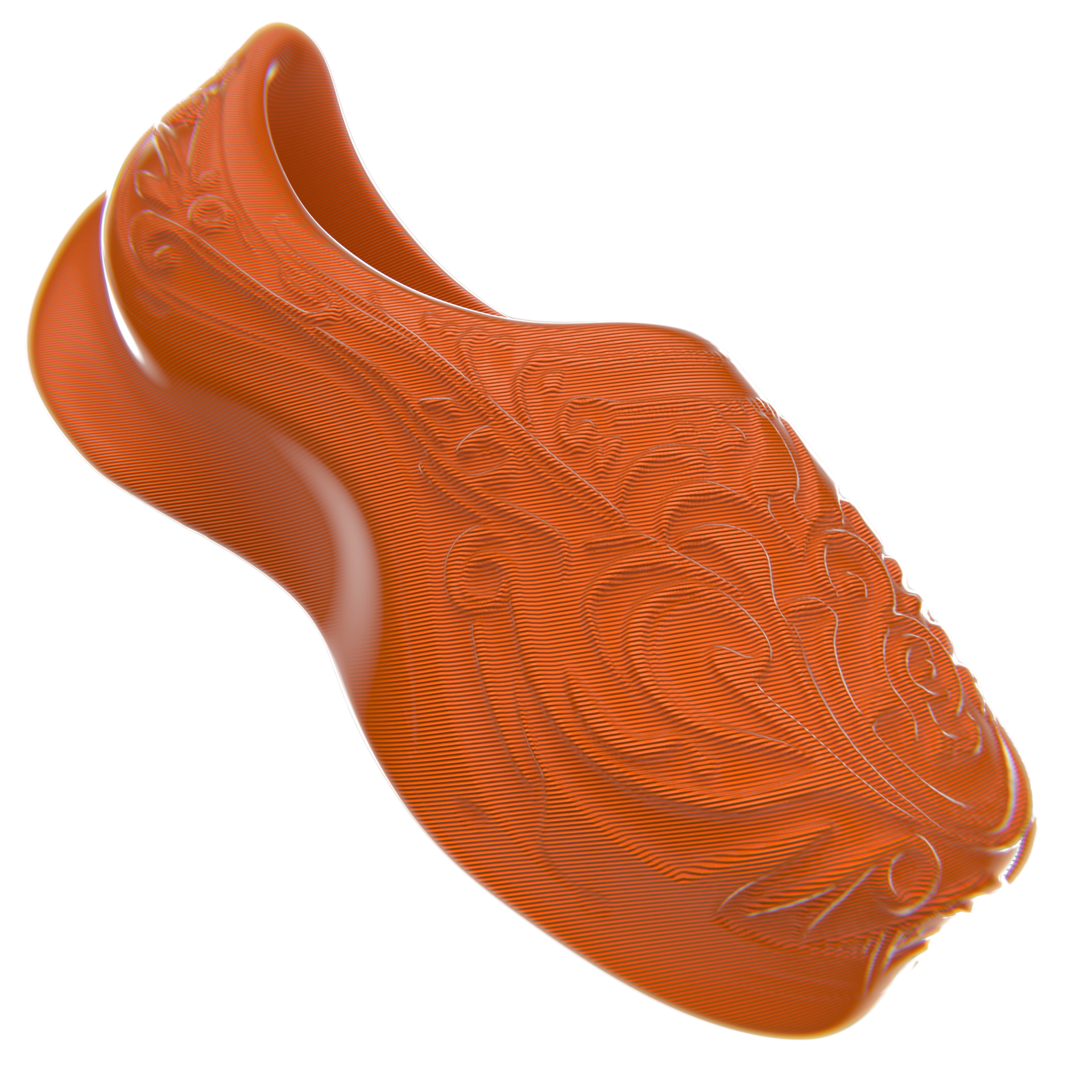
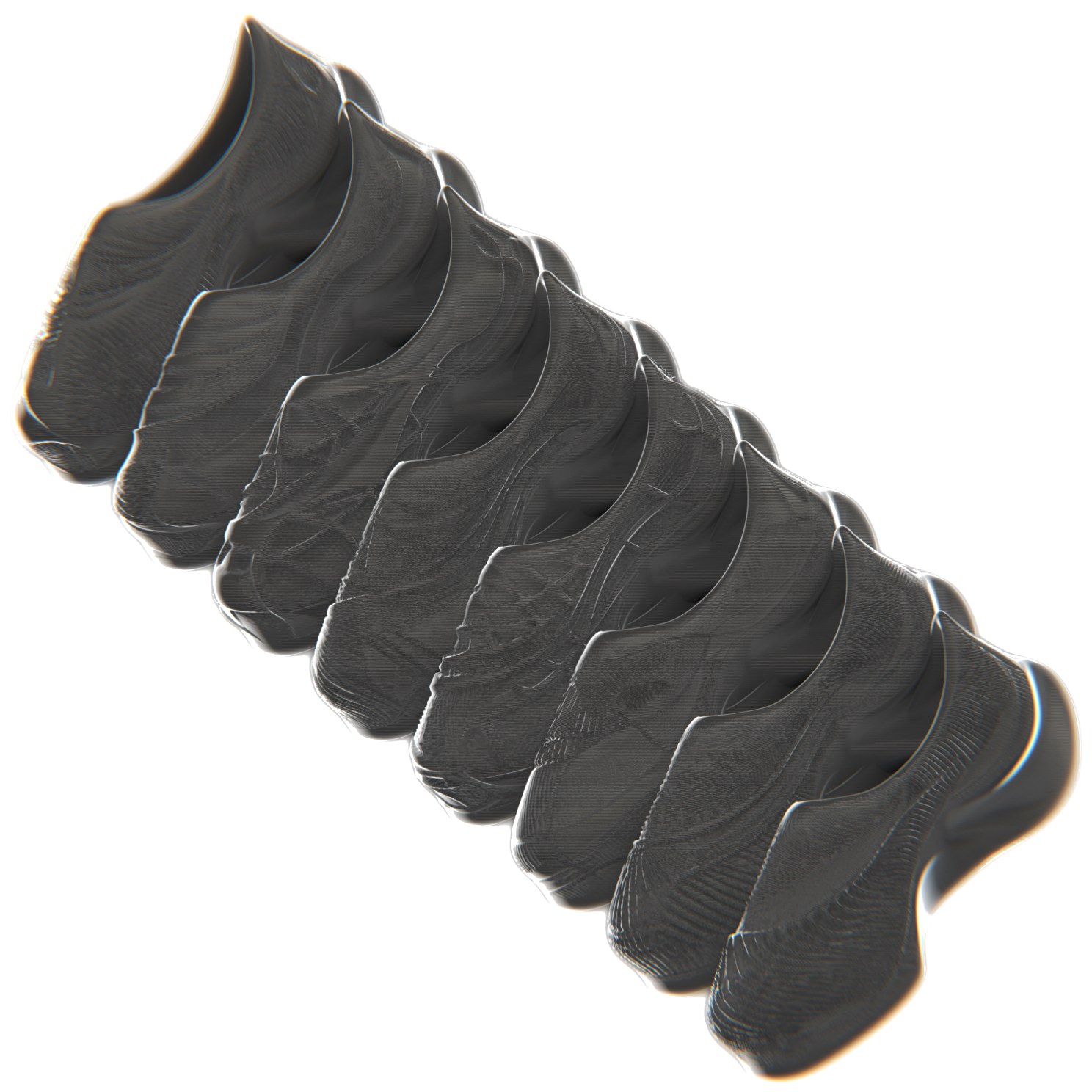
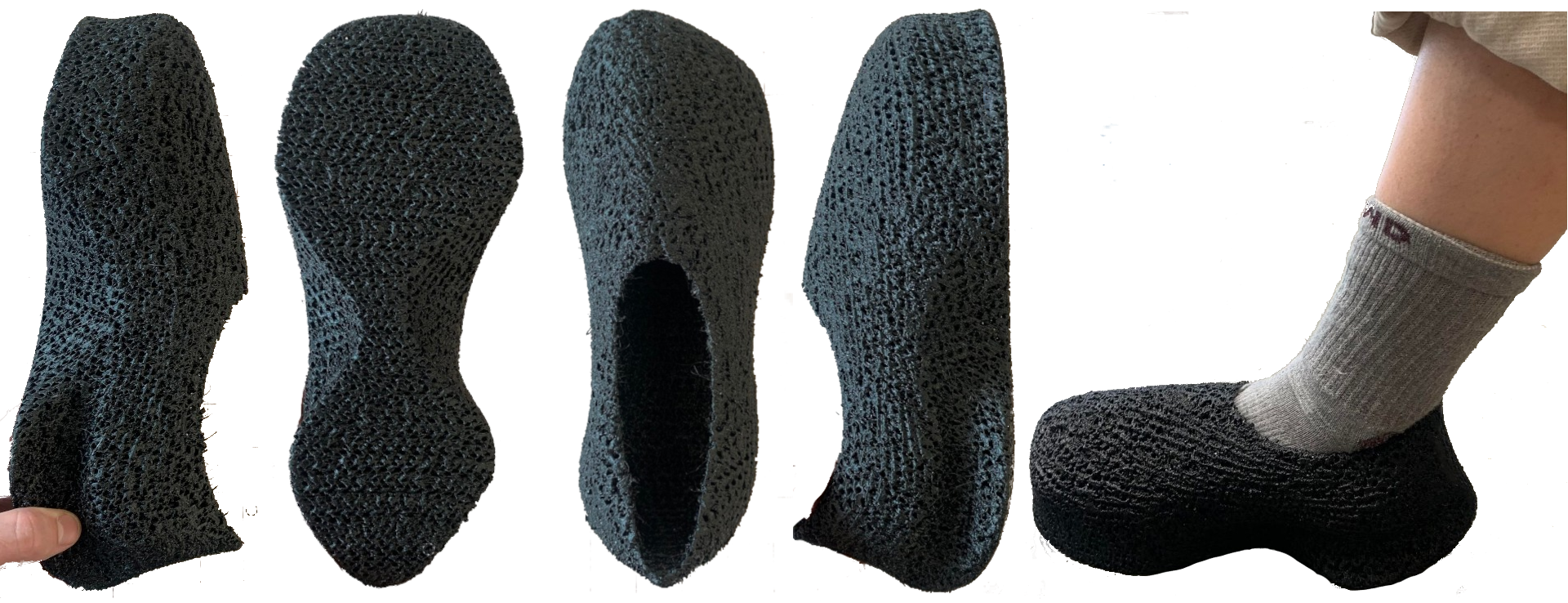
My own attempt at producing shoes designed using DreamForge.